Help Desk KPIs: The 10 Key Metrics for Measuring Performance

Help Desk KPI

The 10 key KPIs for measuring help desk performance

The metrics to be monitored may vary depending on the context, but some indicators are considered essential for evaluating both operational efficiency and the quality of the service provided to users. Below are the most important KPIs.

1. First Response Time

First Response Time, also known as response time or MTTA, measures the average time between the creation of a ticket and the first response provided by a support agent. This indicator makes it possible to evaluate the team’s ability to respond quickly to requests, avoiding waiting times that could lead to user dissatisfaction.

2. Resolution Time

Resolution Time indicates the total time required to complete a request, from ticket creation to its final closure. Reducing this value helps improve customer satisfaction and supports compliance with the response and resolution times established in the Service Level Agreements (SLAs).

3. First Contact Resolution (FCR)

First Contact Resolution (FCR) represents the percentage of requests that are resolved during the very first interaction with the help desk, without the need to involve additional support agents. A high FCR rate helps reduce operating costs, minimize downtime and increase customer and employee satisfaction.

4. SLA Compliance

Service Level Agreements (SLAs) define the agreed service levels by establishing response times, resolution times and any applicable penalties. Monitoring compliance with these agreements, as well as analysing any violations, is essential to ensure high service standards and maintain user trust.

5. Customer Satisfaction (CSAT)

The Customer Satisfaction Score (CSAT) measures the level of satisfaction expressed by users regarding the support they received, generally through short surveys sent after the support request has been completed. Although it is a simple metric, it represents a key indicator for collecting useful feedback and improving customer loyalty.

6. Ticket Backlog

The Ticket Backlog corresponds to the number of tickets that are still open and unresolved. A constant increase in the backlog may indicate the presence of bottlenecks in processes or an overloaded support team, making it necessary to intervene in the organisation of the work.

7. Ticket Reopen Rate (Tasso di riapertura dei ticket)

The Ticket Reopen Rate measures the percentage of tickets that are reopened after being closed because the issue was not completely resolved or was not handled properly. This is an important indicator for evaluating the quality of the activities carried out and identifying any critical issues in communication or technical resolution.

8. Ticket Volume

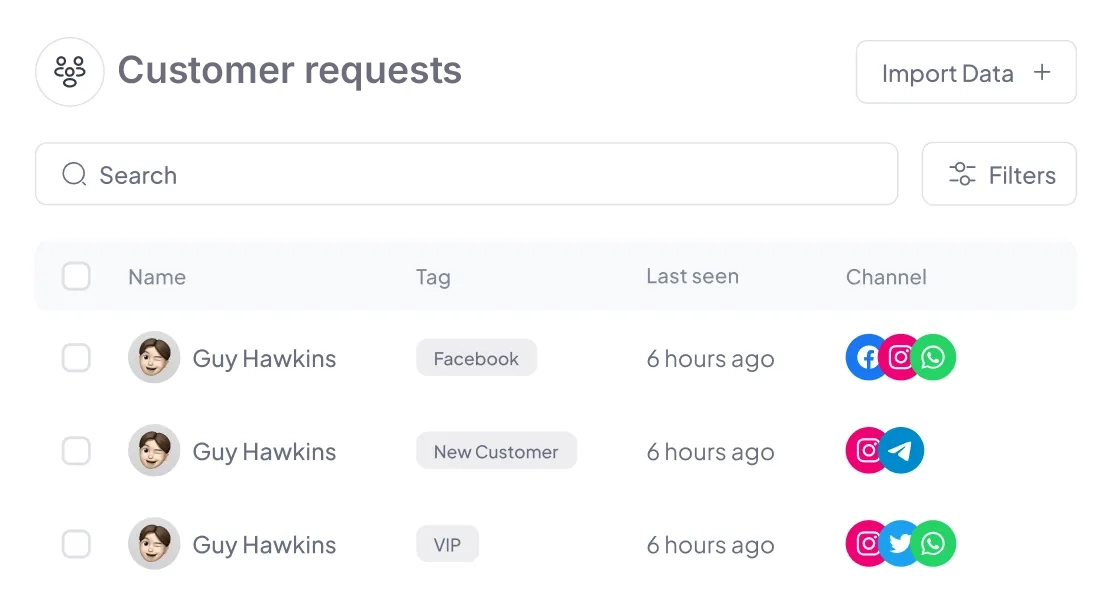
This KPI indicates the total number of requests handled by the support team during a given period. Analysing ticket volume, including by category or source channel, makes it possible to evaluate the workload, plan resources more effectively and identify any recurring issues.
9. Agent Productivity

Agent productivity can be evaluated by analysing indicators such as the number of resolved tickets and the time spent managing each request. These data make it possible to identify the best performances, understand how to distribute activities and identify any training needs.

10. Mean Time to Resolution (MTTR)

The Mean Time to Resolution (MTTR) measures the average time required to identify, manage and definitively resolve a technical issue. A low value indicates an efficient, fast and well-organised support process.

How to choose the most important KPIs for your help desk

The choice of KPIs must be closely linked to the organisation’s objectives and priorities. It is important to avoid both an excessive number of indicators, which would make analysis more complex, and too few metrics, which might not provide a complete view of performance.

Furthermore, KPIs should not be considered static elements, but should be reviewed and updated over time to reflect business evolution and new market requirements.

How to automatically monitor KPIs with Rexpondo

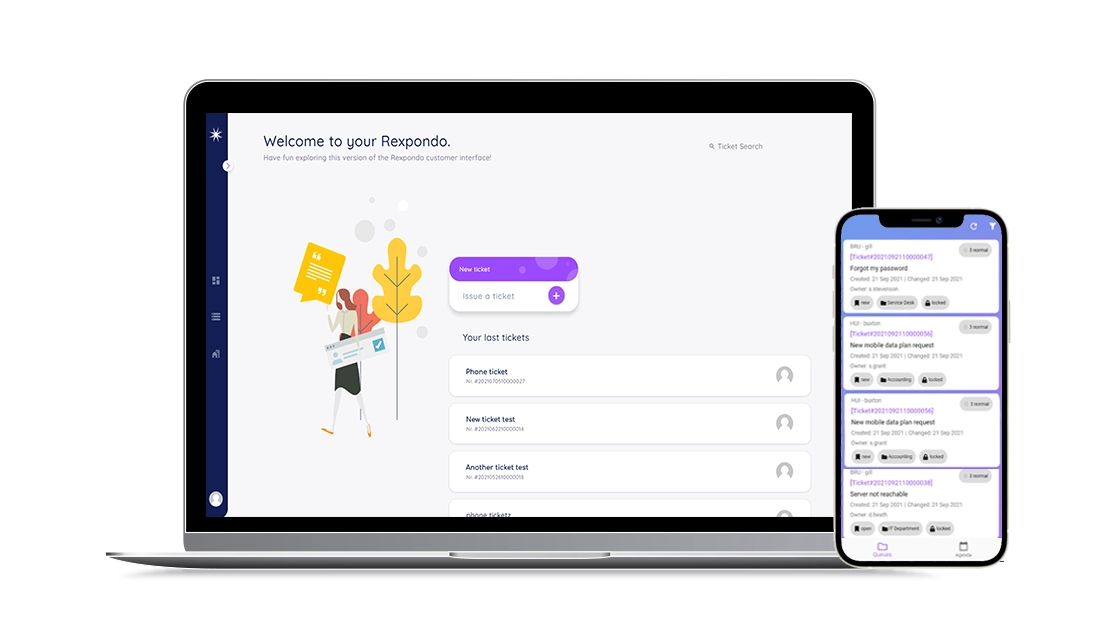
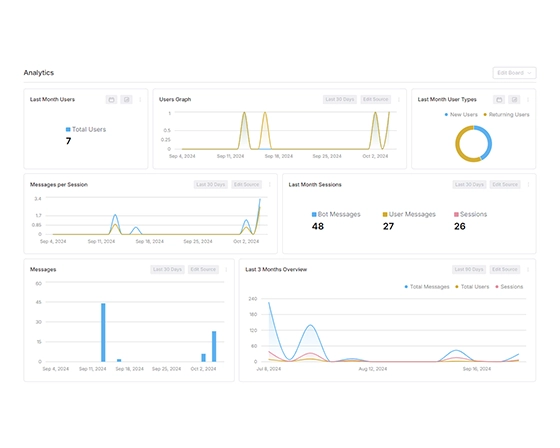
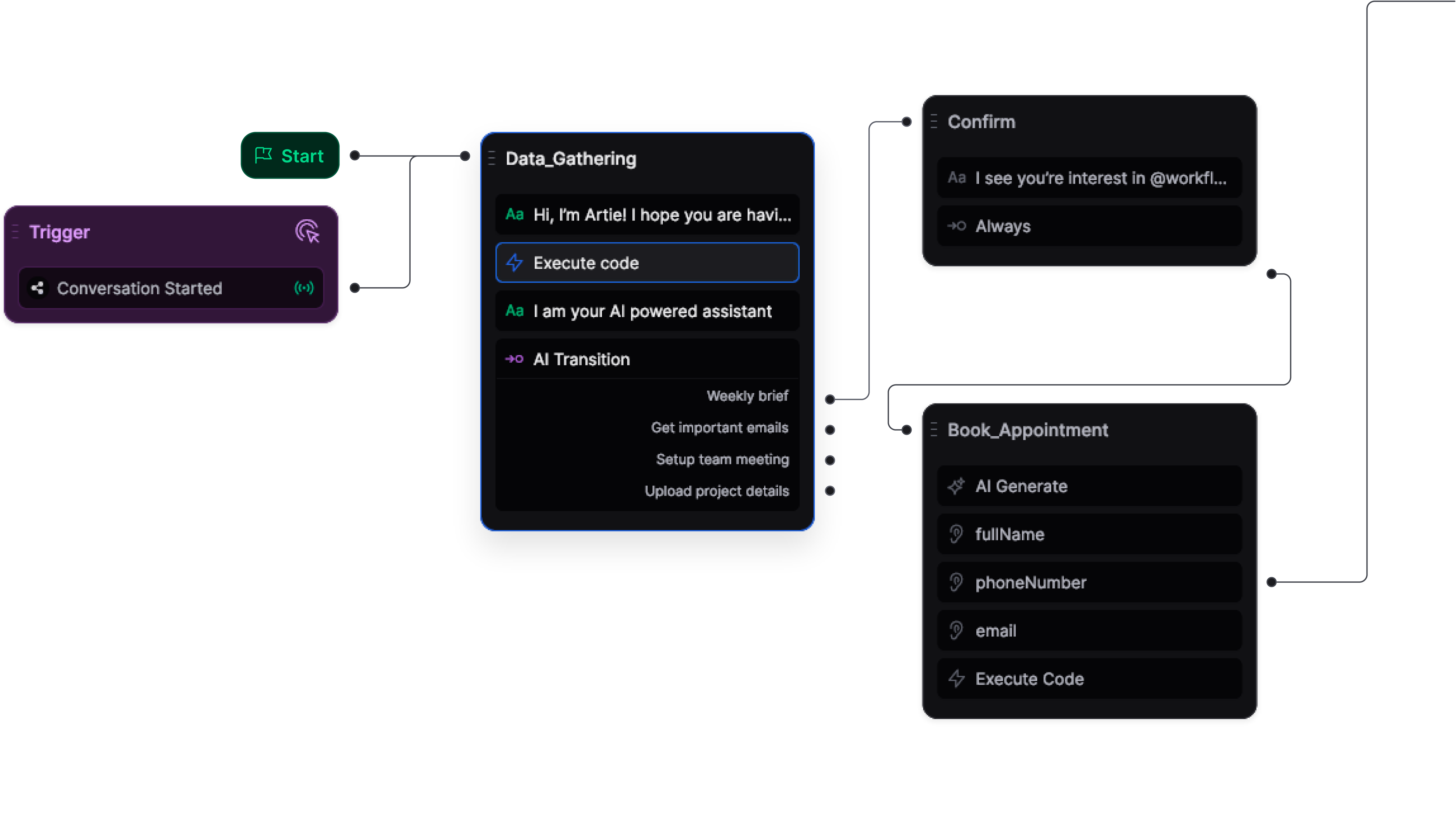
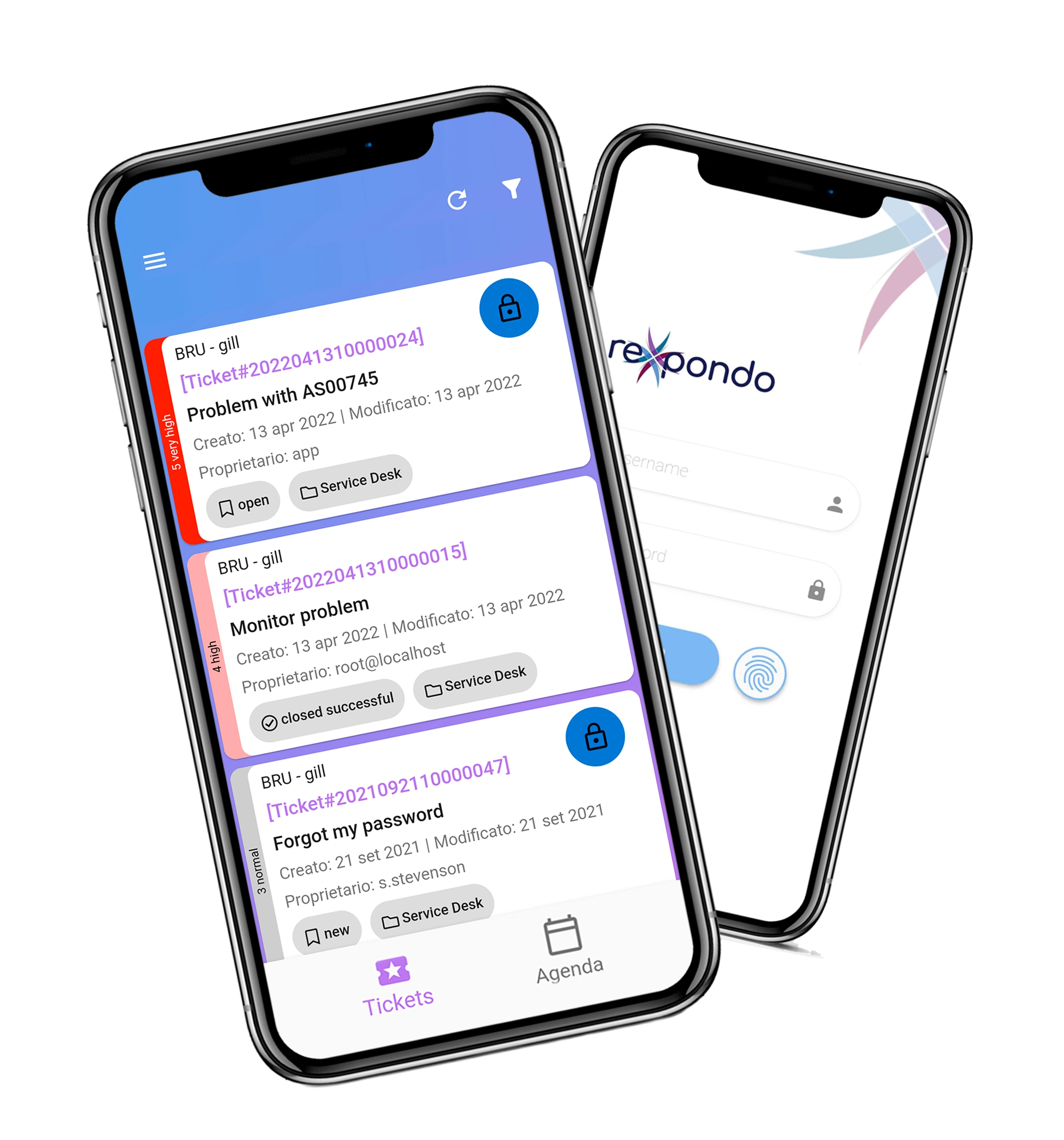
Rexpondo, ticketing software, enables you to monitor the main help desk KPIs through customizable dashboards and reports, providing a constant overview of service performance. The platform allows you to monitor indicators such as response times, resolution times, agent workload and SLA compliance, making it possible to quickly identify critical issues and support data-driven decisions.

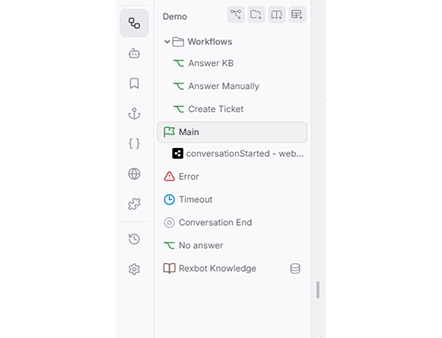
In addition, thanks to automatic workflows and Artificial Intelligence features, it is possible to automate activities such as ticket classification, ticket assignment and information retrieval from the knowledge base, helping to make request management more efficient.

FAQ: Ticketing Systems and KPIs

Answers to the most frequently asked questions about KPIs.

What is the difference between KPIs and SLAs?

I KPI (Key Performance Indicators) sono indicatori utilizzati per misurare le prestazioni di un help desk, mentre gli SLA (Service Level Agreement) definiscono gli standard di servizio concordati con il cliente, come i tempi massimi di risposta e risoluzione. I KPI servono a monitorare le performance, gli SLA a verificare il rispetto degli impegni contrattuali.

Why is it important to monitor help desk KPIs?

Monitorare i KPI permette di valutare l’efficienza del team di supporto, individuare eventuali criticità e prendere decisioni basate sui dati. L’analisi costante delle performance aiuta inoltre a ottimizzare il carico di lavoro e a migliorare la qualità del servizio offerto.

Which tools can be used to monitor help desk KPIs?

I software di ticketing consentono di monitorare automaticamente i principali KPI attraverso dashboard e report dedicati. Queste piattaforme permettono di analizzare indicatori come tempi di risposta, tempi di risoluzione, carico di lavoro degli operatori e rispetto degli SLA, offrendo una panoramica aggiornata delle performance del servizio.

How can you automatically monitor help desk KPIs with Rexpondo?

Rexpondo enables you to monitor the main help desk KPIs through customizable dashboards and detailed reports.

How does Rexpondo help improve help desk KPIs?

Rexpondo helps improve help desk KPIs by automating numerous ticket management activities. Thanks to automated workflows and Artificial Intelligence features, the platform simplifies ticket classification, assignment to the most suitable agents, and information retrieval from the knowledge base.**

How can you improve help desk KPIs?

To improve help desk KPIs, organizations can optimize ticket management processes, automate repetitive tasks, and use tools such as knowledge bases, self-service portals, and AI-powered features. These solutions help reduce response times and improve overall service efficiency.
Would you like more information?
Talk to one of our experts and discover the benefits of Rexpondo.